How to Add Your Business to Google Maps: Step-by-Step Guide
Being listed on Google Maps is essential for increasing visibility and attracting local customers.
There are literally billions of local searches each day by people relying on Google Maps for directions and business information. If you want foot traffic, customer trust, and search engine rankings – you need to ensure your business is listed correctly.
In this guide, we’ll walk you through how to add your business to Google Maps—plus give you tips on maintaining your listing and troubleshooting common issues.
Why Google Maps is so important?
A Google Maps presence offers many advantages:
Benefit
Description
Enhanced local SEO
Google Maps listings appear prominently in search results, helping local customers find your business.
Improved accessibility
Easy-to-find directions and contact information make it simple for customers to connect with you.
Increased credibility
A well-maintained Google Maps listing with photos and reviews builds trust with potential customers.
Need help managing your reviews? Smart Reviews can help you stay on top of your Google reviews by streamlining the process of monitoring, responding, and engaging with customer feedback. With Smart Reviews, you can effortlessly maintain a positive brand image and build audience trust.
Tips for maintaining your Google Maps listing
Setting up your Google Maps listing is only the first step—regular maintenance ensures it stays accurate and useful for customers. Follow these tips:
Update information regularly: keep details like hours, phone number, and services up-to-date.
Engage with reviews: respond to positive and negative reviews to build trust and show you care about customer feedback.
Monitor insights: use the GBP ‘Performance’ feature to track customer interactions, like clicks, calls, and direction requests, and adjust your strategy accordingly.
How to Fix Common Issues
Here are some common issues you may encounter and how to resolve them:
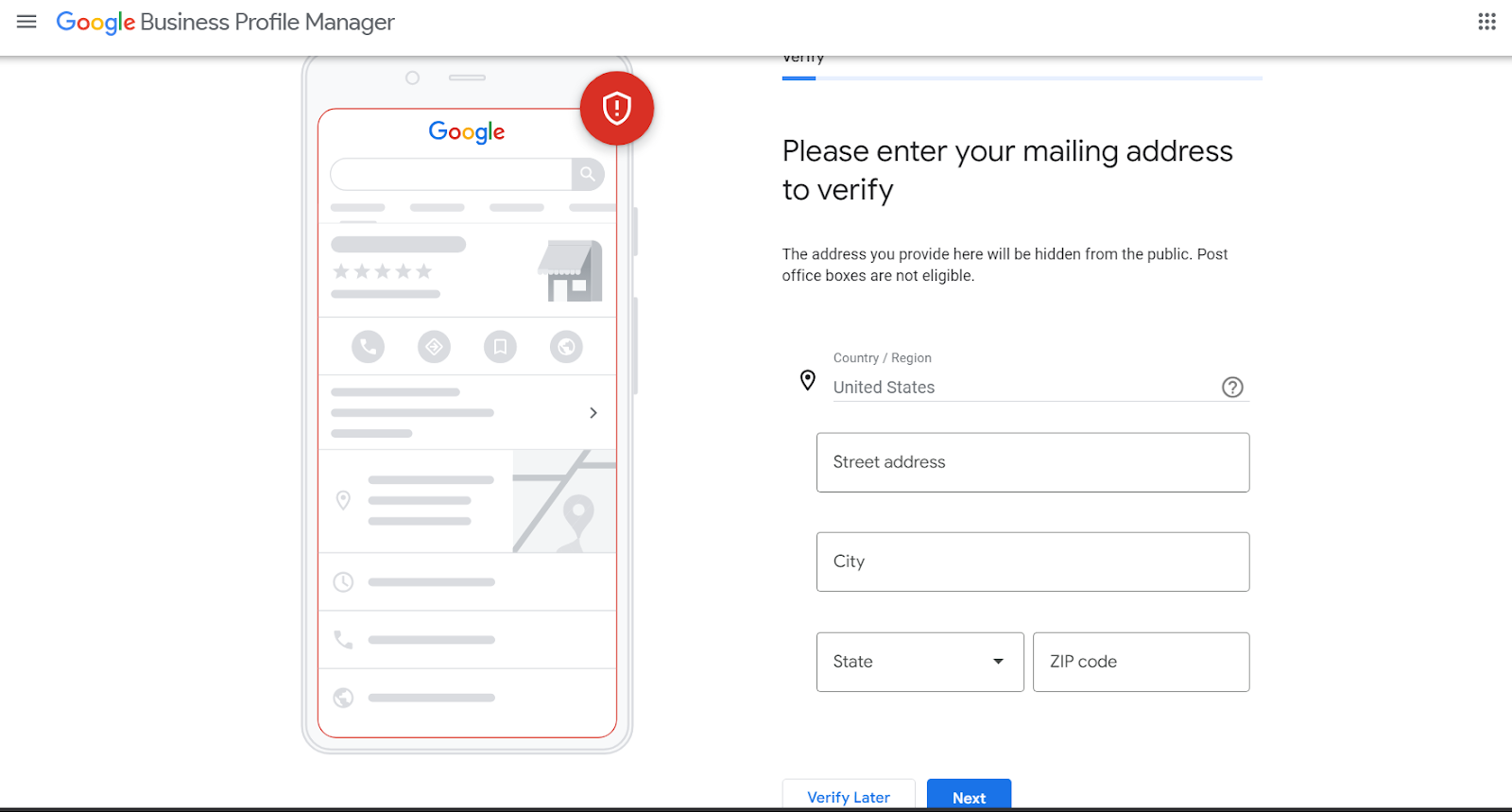
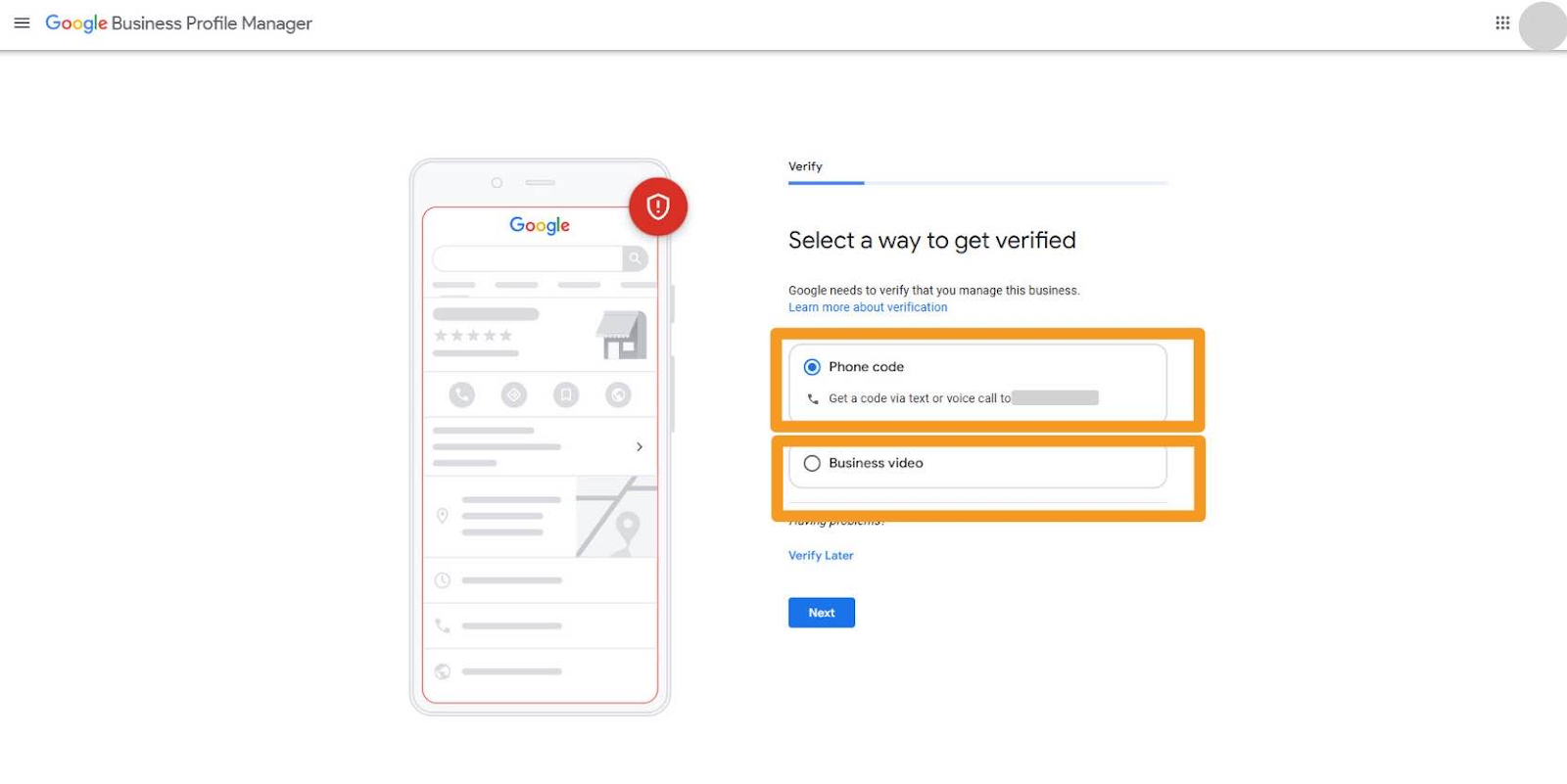
Delayed verification: if your verification code hasn’t arrived, check the address for accuracy or request a new code.
Duplicate listings: avoid confusion by following Google’s guidance on how to report or merge duplicate entries, see how here.
Incorrect information: update errors immediately in GBP to ensure customers see accurate details.
If further assistance is needed, refer to Google’s support resources or contact their help centre.
Benefits of Listing Your Business on Google Maps
Listing your business on Google Maps significantly enhances your digital presence by:
Attracting more local customers searching for services near them.
Improving your business’s online reputation through verified reviews.
Offering valuable insights about customer behaviour through analytics provided by Google.
Adding your business to Google Maps is a simple yet powerful way to enhance your local visibility and grow your customer base.
Ensure your business stands out in local search results and maintain an optimised listing by following the steps outlined in this guide.
Don’t wait—take the first step to elevate your business today! Sign in to Google Business Profile and add your business to Google Maps now.